Christmas Dance AI: Your Photo, Holiday Moves
Christmas Dance AI turns one photo into a Christmas Dance video for your Christmas greeting, party invite or December post. Pick a length and let AI handle the dance, with no steps to learn or performance to film.
Create your video
1Your photo
Best results: one person, facing the camera, even lighting, head and shoulders visible. Avoid sunglasses, masks and heavy filters.
2Dance style
3Length
Sample clips are placeholders made for this demo.
The catch
Joining the Christmas Dance trend is harder than it looks
You have to learn the routine
Getting every move right takes real practice, and nerves still show once the camera is rolling.
Someone has to film it
You need a friend or a tripod, plus a background that matches the framing of the original.
The timing is unforgiving
Half a beat late looks obvious next to the original, so it turns into take after take.
Side by side
Filming it yourself vs. using Christmas Dance AI
| Filming it yourself | With Christmas Dance AI |
|---|---|
| Learn the choreography first | No dancing needed, one photo is enough |
| Find a friend or set up a tripod | No camera setup |
| Retake until the timing lines up | Timing follows the original clip |
| Edit and export on your phone | Download a finished MP4 |
How it works
How to make a Christmas Dance AI video in 3 steps
- 1
Upload one clear photo
One person, facing the camera, in even light. JPG, PNG or WebP up to 10 MB.
- 2
Choose a length
Take a short hook or the full routine. One credit covers one second of video.
- 3
Generate and download
The render finishes in a few minutes. Download the MP4 without a watermark and post it anywhere.
Made with Christmas Dance AI
One photo in, one finished clip out
No editing timeline, no green screen. Upload a clear photo, choose a length and the render keeps every beat of the original routine.
Elf Dance · Become an elf and dance in a festive toy workshop.
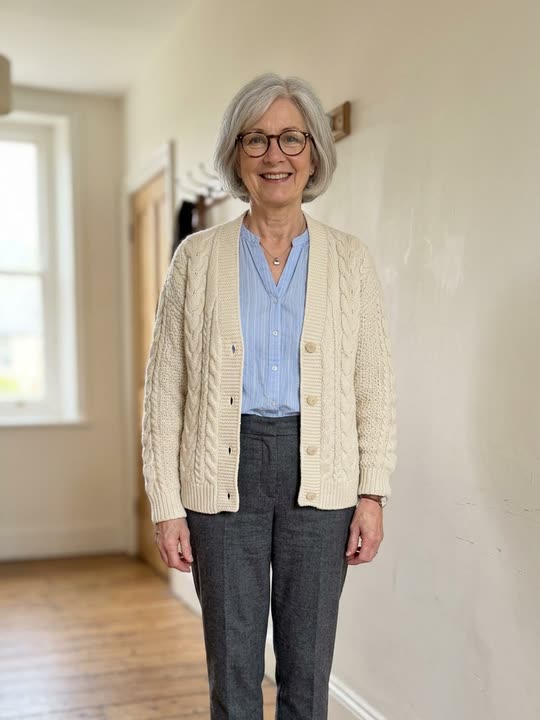
Generated clip
Christmas Party · Keep your look for a dance in a Christmas lounge.
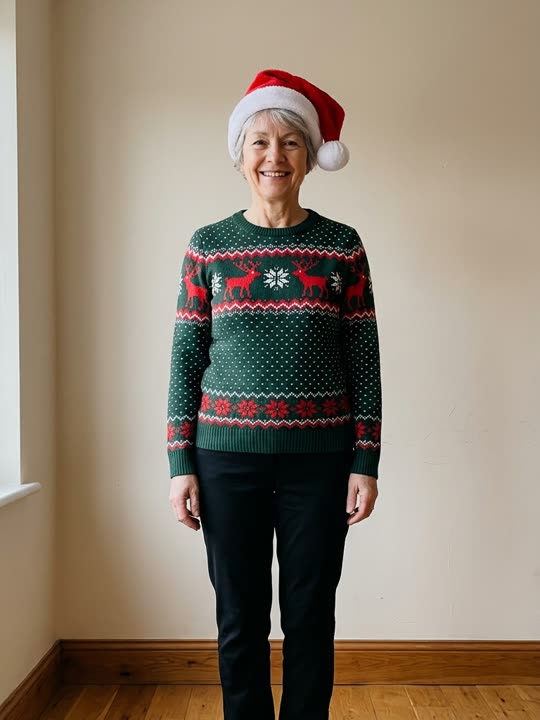
Generated clip
Couple Duo · Two portraits become dance partners beside a holiday fireplace.
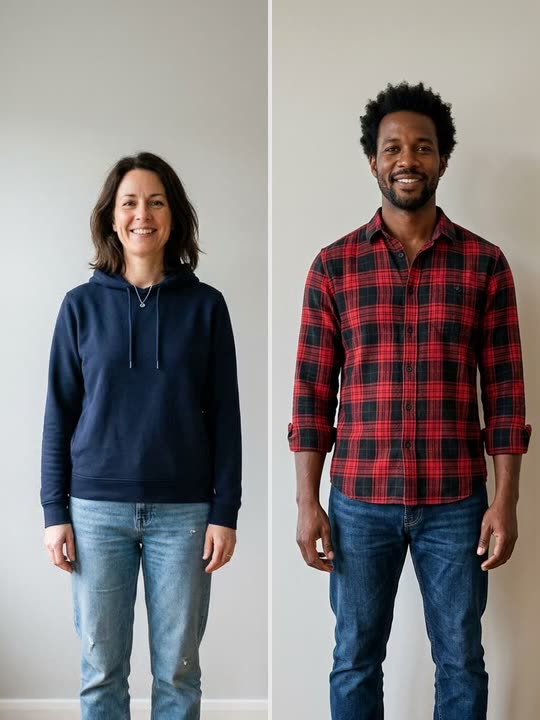
Generated clip
Kitchen Duo · A festive kitchen routine starring two people from separate photos.
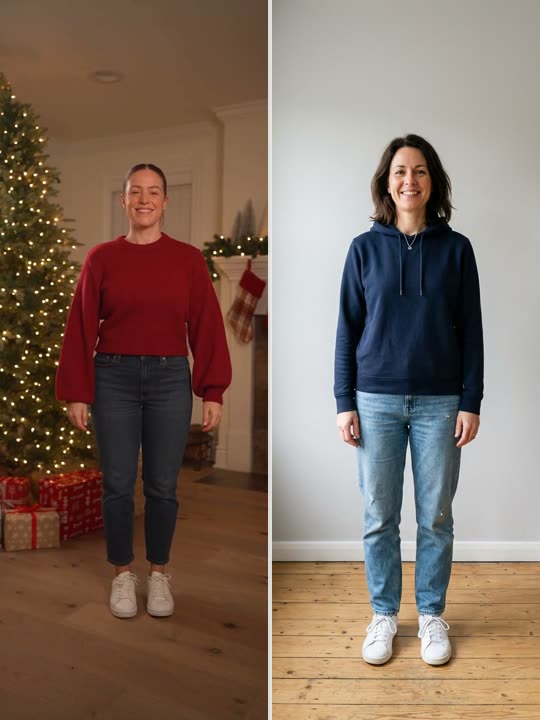
Generated clip
A holiday greeting in motion
What is the Christmas Dance trend?
The Christmas Dance trend turns a seasonal dance into a personal Christmas greeting. This routine pairs small steps and claps with raised-arm sways, giving it the feel of a relaxed living-room celebration. Send it as a video card for the family chat, a playful lead-in to a holiday party invite, or a December post starring you.
Christmas Dance AI makes that idea possible from one photo. This AI dance video generator uses a reference routine to guide the movement, so you can take part without recording yourself dancing. Preview the example, choose a length and generate your version; the selected routine guides the result, rather than a custom dance you describe.
Explore Christmas Dance videos, filters and festive ideasAt a glance
Christmas Dance AI specs
- Input
- One clear photo of one person, JPG, PNG, WebP up to 10 MB
- Styles
- Elf Dance, Christmas Party, Couple Duo, Kitchen Duo
- Video length
- 6, 12, 18 seconds
- Output
- Vertical 9:16 MP4, no watermark
- Price
- 1 credit = 1 second of video; packs from $9.90 for 20 credits
- Credits
- Pack credits never expire; plan credits expire at the end of each month
- Render time
- A few minutes
- Failed renders
- Credits refunded automatically
Features
Everything you need for a Christmas Dance clip
One photo is enough
A single clear selfie is all the model needs to rebuild you inside the routine.
Faithful motion
Every step, pause and camera move follows the reference clip frame by frame.
Vertical and ready to post
Exports in 9:16 so it drops straight into Reels, Shorts or TikTok.
Pick your length
Grab a short hook or the full routine. You only pay for the seconds you render.
Private by default
Uploads are stored privately, used only for your render and deleted automatically 7 days after upload.
Fair billing
Credit packs never expire and plans can be canceled anytime. If a render fails, the credits go straight back to your balance.
Make it personal this Christmas
Three ways to send a Christmas Dance video

A moving Christmas card
Send your dance to relatives you cannot visit this year. Add a personal Christmas message when you send it, so the greeting feels meant for them.
Make my holiday danceAn ugly-sweater party invite
Start with a clear photo in your favourite Christmas jumper. Send the finished clip alongside the party date and dress code for an invitation with a sense of humour.
Make my holiday danceA December countdown post
Use your dance as one entry in a Christmas countdown on your social feed. Add the day’s caption in your posting app and keep the AI disclosure visible.
Make my holiday dancePricing
Pay as you go, or subscribe
1 credit = 1 second of video. Buy a pack that never expires, or subscribe for a fresh allowance every month.
Subscriptions
Credits are added at the start of every month of your plan and expire when that month ends. Cancel anytime and keep your plan until the period ends.
Monthly
Flexible, cancel anytime
$14.90/ month
60 credits every month
- Credits refresh every month
- All video lengths
- HD MP4 download, no watermark
- Cancel anytime
Yearly
Best value for regular creators
$149.00/ yearSave 17%
$12.42 / month, billed yearly
60 credits every month
- Credits refresh every month
- All video lengths
- HD MP4 download, no watermark
- Cancel anytime
Subscriptions renew automatically at the price shown until you cancel. Unused monthly credits do not roll over.
Credit packs
Starter
Try the trend
$9.90
20 credits
Makes 1 × 18s or 3 × 6s videos
- Credits never expire
- All video lengths
- HD MP4 download, no watermark
- Automatic refund on failed renders
Party
For you and your friends
$19.90
60 credits
Makes 3 × 18s or 10 × 6s videos
- Credits never expire
- All video lengths
- HD MP4 download, no watermark
- Automatic refund on failed renders
Squad
For creators and teams
$29.90
100 credits
Makes 5 × 18s or 16 × 6s videos
- Credits never expire
- All video lengths
- HD MP4 download, no watermark
- Automatic refund on failed renders
Prices in USD. Taxes are calculated at checkout by our payment partner.
Christmas Dance questions, answered
Need help with your holiday clip? Our team replies within one business day.
Contact supportWhat is Christmas Dance AI?
Christmas Dance AI is a photo-to-video tool for making a personal Christmas dance greeting. Upload one clear photo, choose a length and generate a clip guided by the reference dance. You do not need to learn the routine or film yourself.
Ways to join the Christmas Dance trendIs this a Christmas Dance filter for TikTok?
It works in your browser as a video generator. You upload a still photo and receive a downloadable clip, rather than applying a live camera effect. You can post the MP4 to TikTok, Reels or Shorts after checking the result.
Understand dance videos and camera effectsCan I use a photo in a Christmas jumper or Santa hat?
A Christmas jumper is a good starting point if your face and shoulders are clear. If you wear a Santa hat, keep the brim above your eyebrows and leave your eyes visible. Use a photo of one adult, with even light; avoid group portraits, costume masks and heavy beauty filters. Clothing details may change during generation.
Choose a clear festive portraitWill it add a Santa outfit, a Christmas tree or my own song?
The generator follows the selected reference dance. It does not offer custom wardrobe changes, background selection or music uploads. Use the preview to choose the routine, and check the finished clip before sending it as your Christmas greeting.
Can I make a dancing Christmas card for a friend?
Yes, with a photo of yourself or another adult who has agreed to it. Download the video and add your greeting in the message or posting app you use to send it. The generator does not add greeting text. Keep the AI label and make clear that the dance is AI-generated.
How long does a Christmas dance take to generate?
Rendering usually takes a few minutes, depending on clip length and the queue. You can leave the page and find the finished clip in My videos. If you are making a party invite, leave time to watch and download it before sending.
How do credits work?
Each second of video costs one credit. Credits from packs never expire; subscription credits are added every month and expire at the end of that month. Renders use the credits that expire soonest first, and credits are refunded automatically if a render fails.
How do I cancel my subscription?
Open My account → Billing and choose Cancel renewal. You won’t be charged again, and your plan and credits stay available until the end of the current period.
Can I use a family Christmas photo?
Choose a solo portrait of an adult, rather than uploading the whole family group. Get permission if it is someone else’s photo. Do not use photos of children, celebrities or public figures, even for a private holiday joke.
What happens to my photos?
Uploads are private, used only to make your video and deleted automatically 7 days after upload. Finished videos are kept for 30 days after they finish. Deleting your account removes everything right away.
Your Christmas Dance moment is one photo away
Upload a selfie, pick a length and watch yourself take the lead.
Create my video · $9.90+